Settings
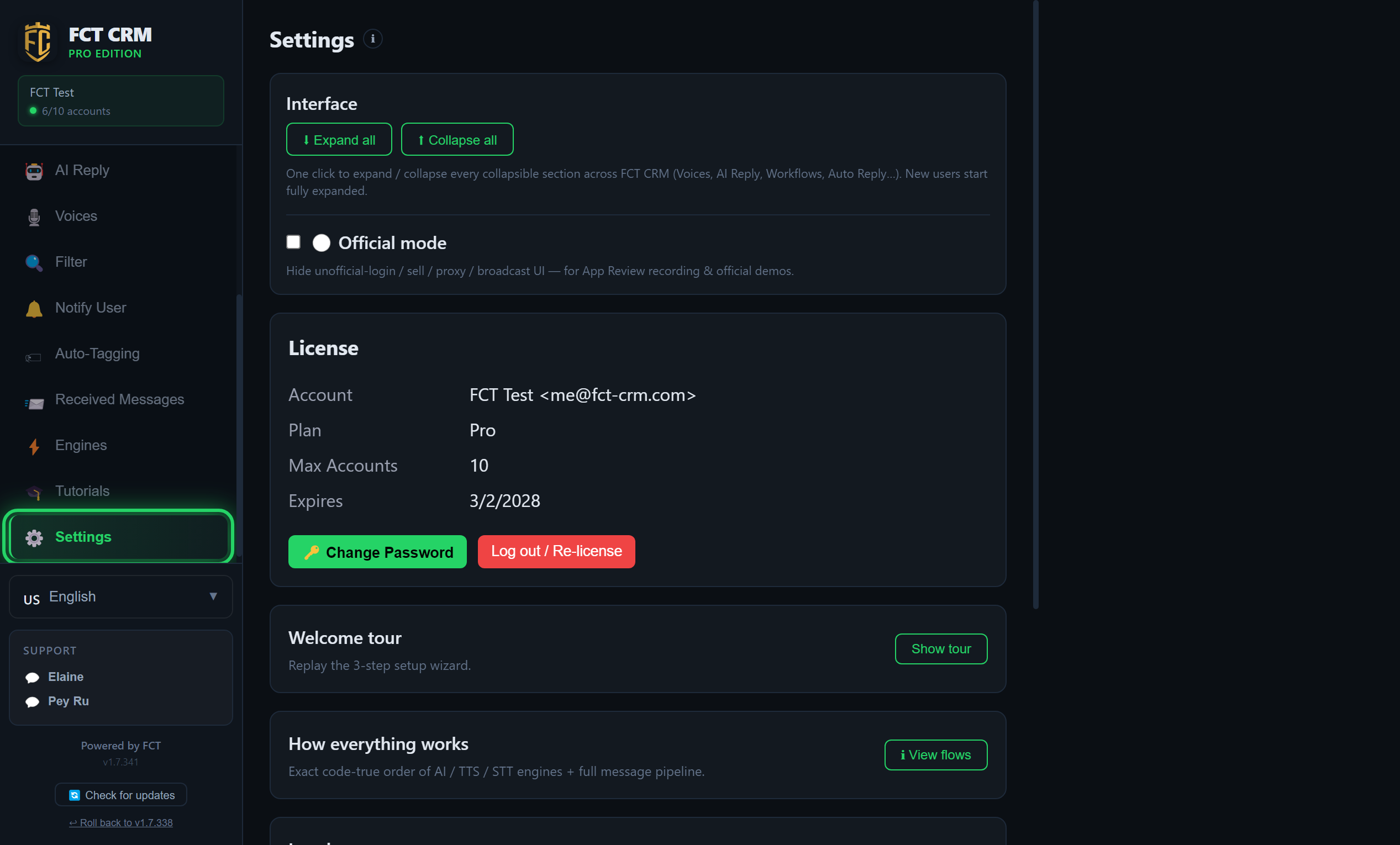
Your licence and the app options are all here: your plan and expiry date, redeeming a code, send throttling, the theme, and data backup and restore.
Come here to confirm which plan you are on and how many accounts your licence allows. The interface language, checking for updates and rolling back are not on this page. They are at the very bottom of the left sidebar.
Manage your account, plan and app preferences.
- Click Settings in the left sidebar. The top of the page is Renew / Upgrade.
- To renew or upgrade, first choose your country under Where are you?, then tick "I have read and agree to the Terms and Refund Policy".
- Click Buy under the plan you want. Your browser opens the payment page. Once payment is complete, the licence is updated automatically. Come back and refresh this page to see it.
- To add more official numbers, look at Buy extra WABA official numbers below: fill in Numbers, choose Months, and the total is worked out on the right. Then click Buy. Before buying for the first time, click Preparation before buying WABA and read it through.
- If you already have a licence code, type it into the input box under Redeem a code and click Redeem on the right. When it succeeds, your plan and the date it is valid until are shown.
- Keep scrolling down. In order, you will find Send throttle / anti-restriction, then Interface, where you can switch between the Dark and Light themes, then License, which shows your plan tier and expiry date, and finally Backup & Restore.
Cannot find the language or the updates?
The interface language, Check for updates, rolling back and Clear cache & restart are not on this page. They are at the very bottom of the left sidebar.
Redeem a code
Do you have a licence code? Type it in under Redeem a code and click Redeem to activate it.
Send throttle / anti-restriction
Each number sends only one message at a time, with a random gap of a few seconds between two messages (3 to 8 seconds by default). So it is normal for broadcasts and automatic replies to go out one every few seconds. A number that has just connected also goes through a warm-up period, during which automatic replies are held back and nothing is skipped (60 minutes by default after a fresh QR scan, and 1 minute after an ordinary reconnect). Messages you send by hand and broadcasts you start yourself are not affected. Both settings can be adjusted or turned off here, and changes take effect immediately. Official WABA numbers are not subject to this limit.
Updates, rollback and interface language (bottom of the sidebar)
- Interface language: the language selector at the bottom of the sidebar.
- Check for updates: when a new version is available, a notice appears at the top right, and it is only downloaded when you click update. You can also click Check for updates at any time.
- ↩ Roll back to v… (the previous version): click it when the new version has a problem. It reinstalls the previous version and restores your data from just before the last update. Anything changed after the update is saved separately as a backup and is not deleted.
- 🧹 Clear cache & restart: click it to repair things when a feature misbehaves after an update, for example when a button does not appear. It does not delete any data.